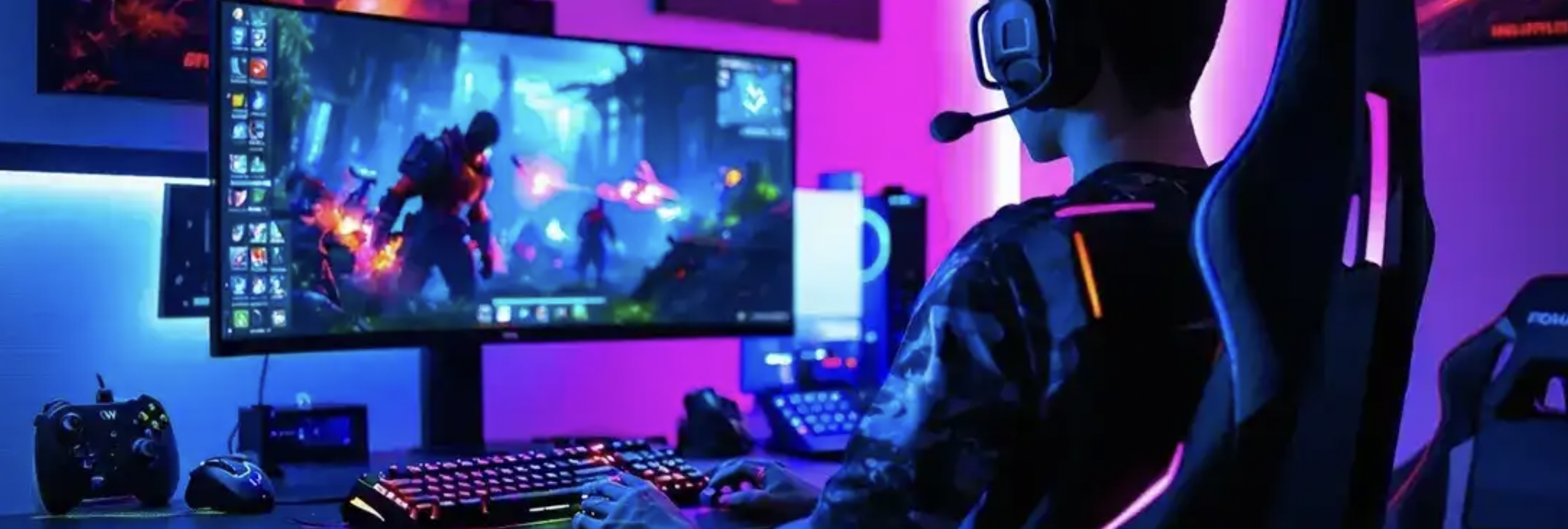
Why a Good Starter Gaming Setup Matters
A proper gaming environment improves comfort, focus, and performance. Beginners often overlook this fact. However, the right arrangement builds strong habits from the start.
First, balanced hardware ensures smoother gameplay. Moreover, an organized desk reduces distraction during long sessions. Therefore, thoughtful planning saves money and prevents upgrades too soon.
Many newcomers buy random equipment quickly. Instead, choose components that work well together. Meanwhile, consider space, lighting, and airflow. Small adjustments often create big improvements.
Next, focus on essential elements before luxury accessories. This strategy builds a reliable foundation.
Essential Hardware for a Beginner Gaming Station
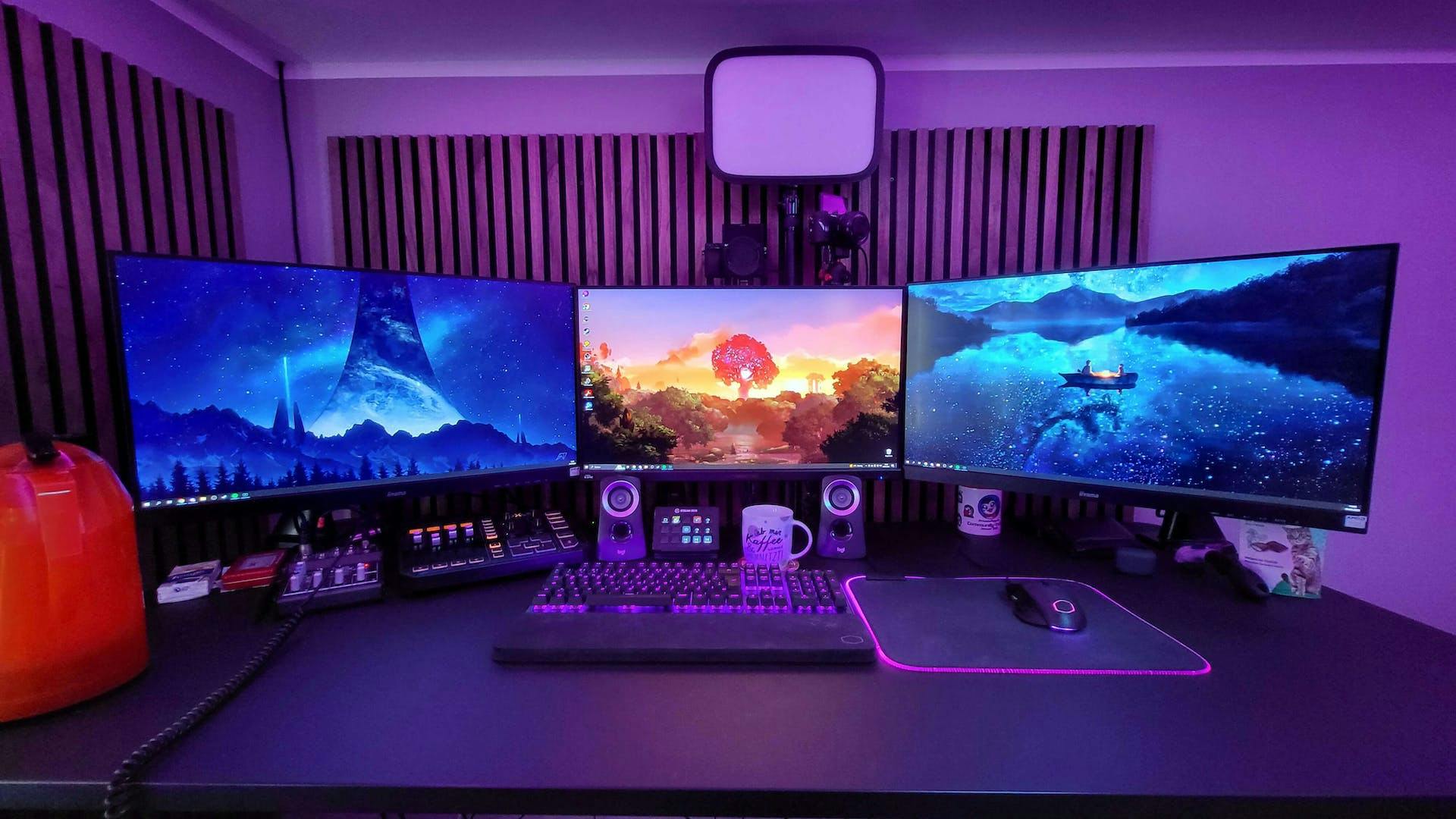
Every setup begins with core equipment. These components determine performance and comfort.
Gaming Computer or Console
Choose a capable system first. A mid range PC runs most modern titles smoothly. Alternatively, consoles provide simple plug and play access.
Monitor
A fast screen improves reaction time. A 144Hz display feels smoother than standard panels. Additionally, choose a size between 24 and 27 inches.
Keyboard and Mouse
Mechanical keyboards offer better feedback. Meanwhile, gaming mice deliver precise movement. Adjustable DPI settings improve control during intense matches.
Headset
Clear audio helps awareness in competitive titles. Therefore, pick a headset with surround sound support. Also ensure a comfortable headband design.
Start simple. Later, upgrade individual parts as skills grow.
Comfortable Desk and Chair Setup
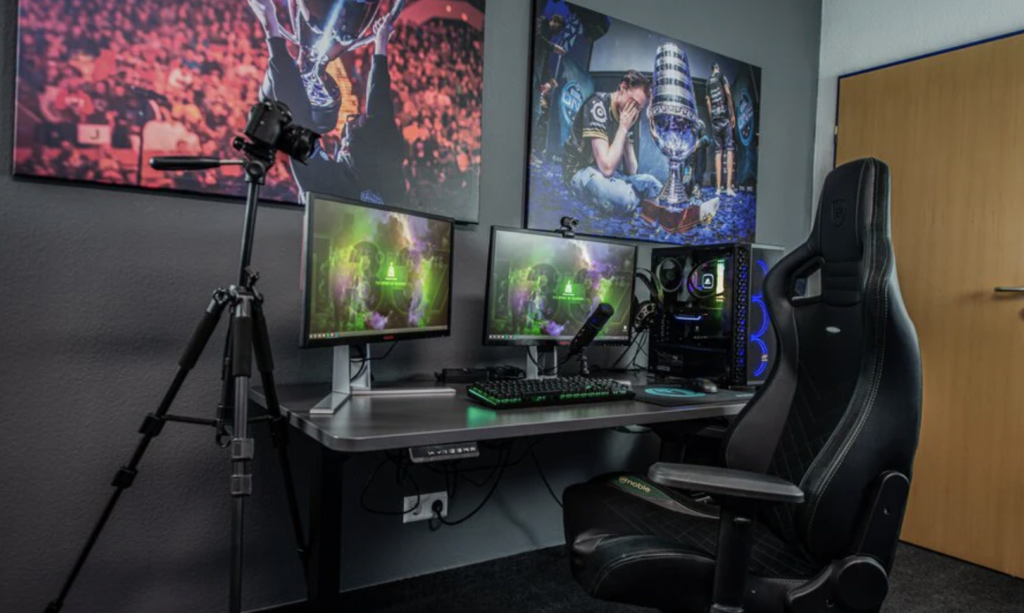
Comfort affects performance more than many expect. Long sessions strain the body quickly. Therefore, ergonomic furniture becomes essential.
Desk Choice
Pick a desk with enough surface space. Monitors should sit at eye level. Additionally, leave room for mouse movement.
Chair Support
A supportive chair protects posture. Adjustable armrests improve wrist position. Meanwhile, lumbar support reduces lower back pressure.
Monitor Position
Place screens about an arm’s length away. This distance protects the eyes during extended play.
Cable Management
Messy cables create clutter and stress. Instead, use clips or sleeves to organize wiring. Consequently, the area stays neat and professional.
A tidy environment increases concentration instantly.
Lighting Ideas That Improve the Atmosphere
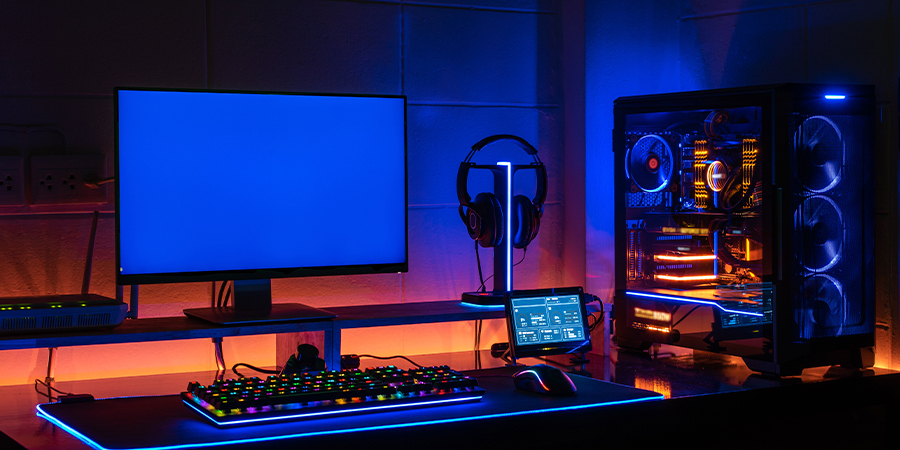
Lighting shapes the mood of the entire space. Moreover, proper illumination reduces eye strain.
RGB LED Strips
LED strips create vibrant ambience. Place them behind monitors or desks. Consequently, the glow softens harsh screen light.
Desk Lamps
A warm desk lamp supports late sessions. However, avoid strong glare directly toward the display.
Wall Lighting
Soft wall panels enhance the atmosphere. Additionally, they create a studio style environment for streaming.
Natural Light Balance
Daylight improves mood and energy. Therefore, position the desk near a window when possible.
Good lighting blends style with practicality.
Smart Accessories That Upgrade the Experience
Accessories refine the overall experience. However, beginners should add them gradually.
Mouse Pad
Large pads support smoother mouse movement. Additionally, they protect the desk surface.
Controller Stand or Headphone Holder
These tools organize equipment neatly. Therefore, the desk remains uncluttered.
External Storage
Games require increasing space each year. Meanwhile, external drives store extra files easily.
Webcam and Microphone
Content creation grows rapidly. For example, streaming requires clear video and audio.
Add accessories only after the essential gear works perfectly.
Cable Organization and Desk Aesthetics
A clean setup feels motivating. Meanwhile, tangled cables reduce efficiency.
Use cable trays under the desk. Additionally, bundle wires with Velcro straps. This method prevents knots.
Match equipment colors for a cohesive look. For example, black gear creates a sleek environment. Meanwhile, white themes appear modern and minimal.
Small decorations personalize the station. However, avoid overcrowding the desk. Space helps maintain focus.
Budget Friendly Setup Tips for Beginners
Many assume gaming environments require huge budgets. That belief is incorrect.
First, prioritize performance components. Next, purchase aesthetic upgrades slowly.
Buy during seasonal sales whenever possible. Additionally, refurbished hardware often performs well.
Second hand desks and chairs also reduce expenses. However, inspect the quality before purchasing.
Finally, upgrade gradually instead of replacing everything. This approach keeps spending under control.
Final Thoughts on Building a Starter Gaming Setup
A great beginner gaming environment balances performance, comfort, and style. Start with essential hardware first.
Then, improve lighting, furniture, and accessories gradually. Meanwhile, keep the desk organized and functional.
Most importantly, focus on comfort and reliability. Consequently, the space will support longer sessions and better gameplay.
With thoughtful planning, even beginners can build an impressive gaming setup in 2026.